Support for the family, from everyone who cares
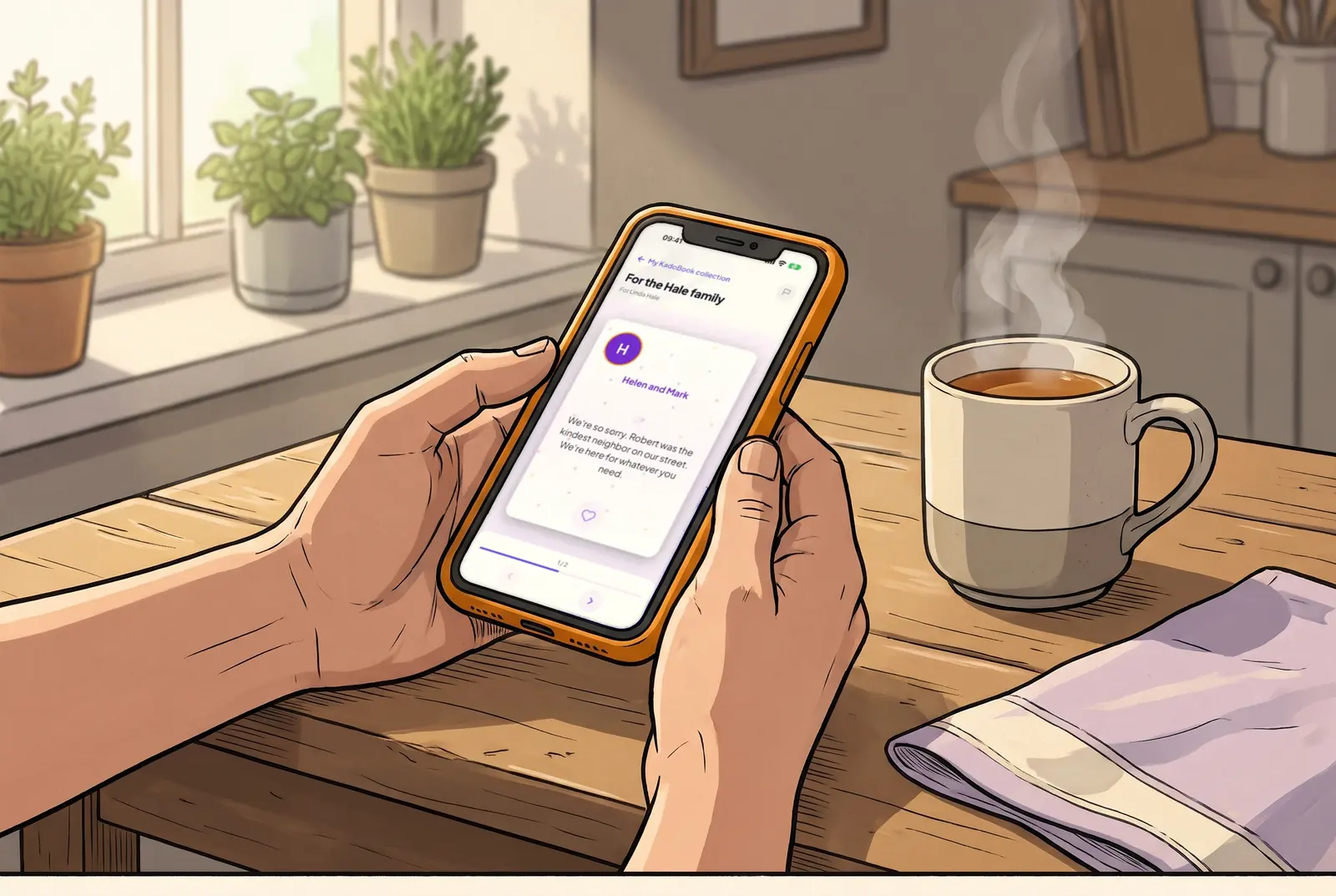
After a loss, people want to do something and don't know what. One link lets them give together, so the family receives one gift and one KadoBook of messages.


How it works for the friend, neighbor or coworker who organizes it
Start the pool in the free KadoPool app
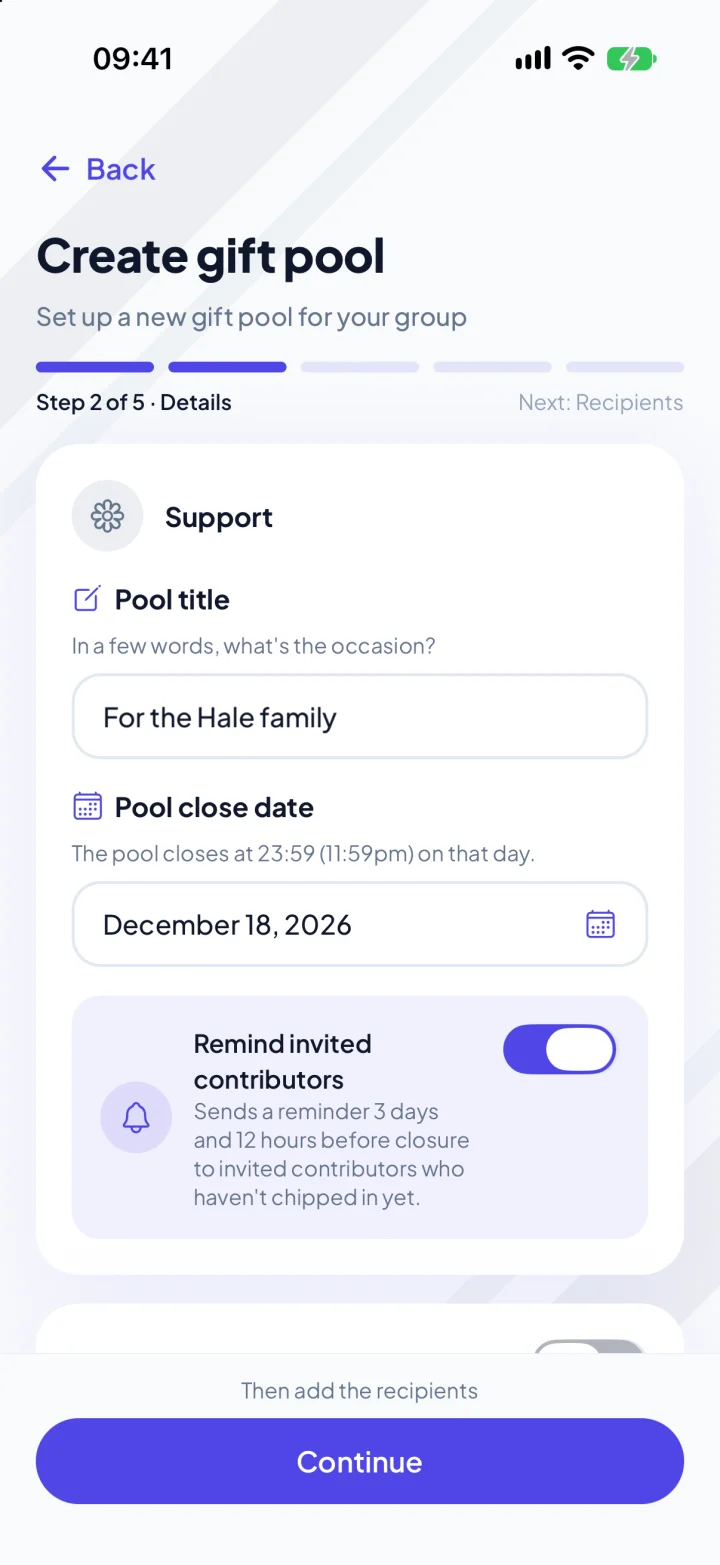
Choose Support as the pool type, then add the family member who will receive the gift.
Invite everyone
By e-mail from the app, or in the group chat or the team channel.
Reminders go out for you
With automatic reminders on, KadoPool reminds the people you invited by e-mail who haven't taken part yet, about 3 days and 12 hours before the closing date. You see who has taken part, never who gave what.
Send the gift
They open it in the KadoPool app, with the KadoBook.

On a computer? Scan with your phone's camera.
Free to organize, in about two minutes. Everyone who cares gives from the link, with no app.
Donations in memory
If the family asked for donations instead of flowers, start a donation pool for that charity and choose In memory of someone. The pool says "In memory of" the person you name, the money goes to the charity, each donor receives a tax receipt from it, and the family member you name receives the KadoBook of messages when it closes. The charity must be a KadoPool partner. How donation pools work
The family can thank everyone at once
One thank-you note reaches everyone who took part, from the app.
A calmer tone
With Support as the pool type, the app and our e-mails stay quiet, start to finish.
What they receive
A gift for what the family needs
Prepaid cards they spend wherever the card is accepted, for meals, travel or everyday costs (up to $999 each; above that, gift cards), gift cards they choose, or a mix.
The KadoBook, with every message
Every message on its own page, with the names of the people who took part. They open it when they are ready; it stays in the app for two years.
The messages, on paper
You can add a KadoPrint: everyone's messages, printed and sent to them. You see its price, with shipping, in the app.
Their photos, on one poster
You can add a KadoFrame: the photos people shared, in a quiet classic look, printed and sent to them. You see its price, with shipping, in the app.
Why KadoPool for a sympathy gift
- Private by design. Nobody sees who gave what, not even the organizer. The total stays hidden until enough people have chipped in that no amount can be guessed.
- The card is built in. Every message goes in a KadoBook, included with every gift.
- Everyone can join. People chip in from the link with a card, Apple Pay or Google Pay: no app, no account. Family and friends abroad can chip in with their own card.
What it costs
Organizing is free. Each payment carries the card processing and KadoPool's 2% fee: about $1.53 on a $25 gift. You choose whether it comes out of the gift or is added on top. See pricing
Questions
Who should receive it?
The family member closest to the loss, or two of them, each with their own share. Add each one with their e-mail.
Does the family need to do anything?
Not right away. When you send the gift, the person you add gets one e-mail and opens it in the free KadoPool app when they're ready. They have 12 months to claim it. For donations in memory, there is nothing to claim: the family member you name receives the KadoBook when the pool closes.
Do they need the app to chip in?
No. They chip in from the link on any phone or computer, by card, Apple Pay or Google Pay. Only you, to set up and send the gift, and the family member you add, to open it, use the app.
What if the charity isn't on KadoPool?
Tell it about KadoPool: joining is free. Until then, start a gift pool for the family.
Can a donation be anonymous?
No. A donation goes straight to the charity, which receives each donor's name for its records and tax receipts. If you'd rather not be named, chip in to a gift pool for the family in the app, where you can give anonymously.
Start the gift for the family
Everyone who cares gives from one link, and the family receives one gift and one KadoBook.
On a computer? Scan with your phone's camera.